An Android phone that shows no charging symbol has a different problem from one that charges slowly or stops at a particular percentage. Start with the power source and work toward the phone. A replacement battery is not the first purchase to make.
Isolate the charger
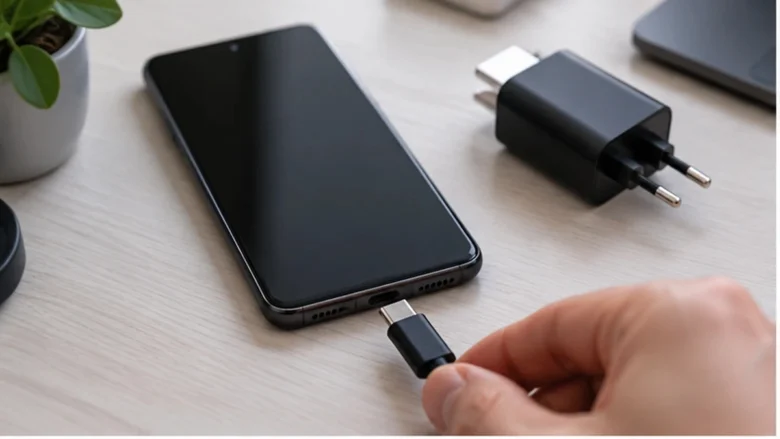
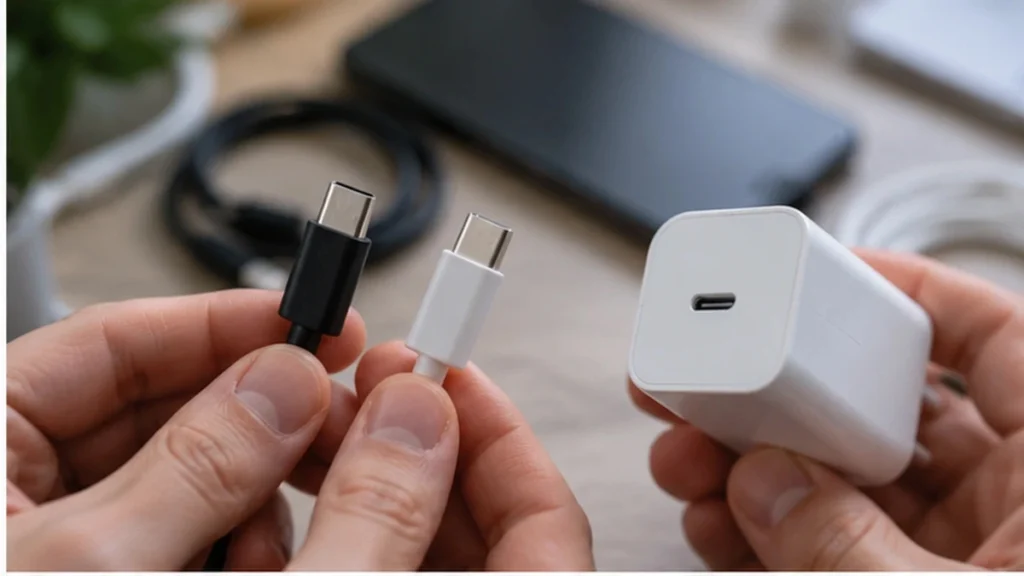
Use a known-working wall outlet, a compatible adapter and a USB cable rated for charging. Change one component at a time: first the cable, then the adapter. A damaged cable may power a small accessory but fail to supply reliable current to a phone.
A laptop USB port can also charge much more slowly than a suitable wall adapter. Never use a cable with exposed wires or a plug that becomes unusually hot. Google Pixel charging troubleshooting.
Inspect the USB-C connector
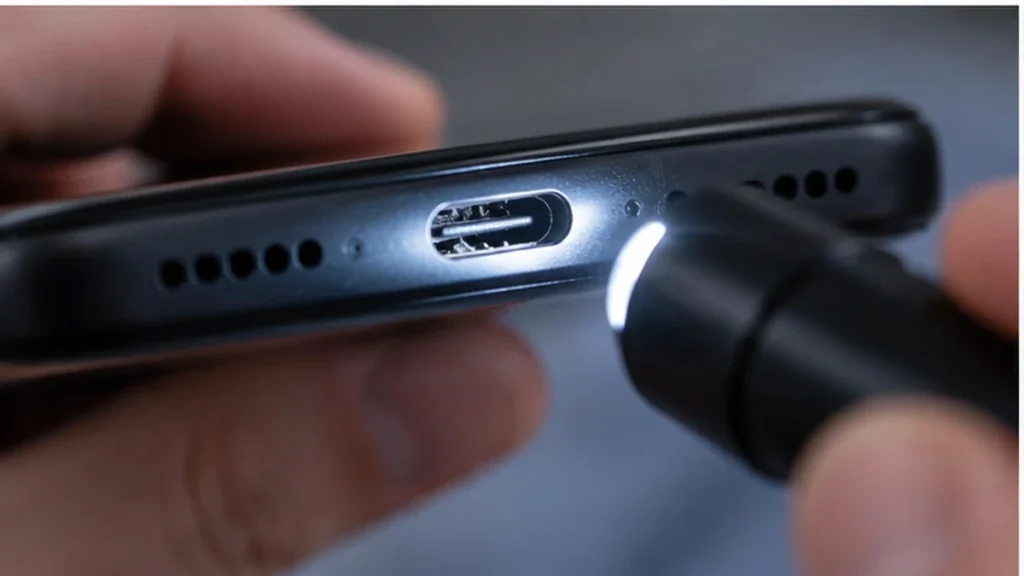
Turn the phone off and look into the port with good lighting. Compacted lint or a damaged connector can stop a plug seating fully. Do not insert metal tools, liquids or sharp objects; if debris cannot be removed safely, have the port inspected. A cable that only works at an angle suggests a physical connection problem, not a battery setting.
What the charging indicator tells you
If the phone has fully discharged, leave it connected to a suitable charger for around 30 minutes before attempting a normal restart. If it vibrates or rings but the screen stays black, the display may be the issue. A phone that charges while powered off but loses charge while being used may be consuming more power than the adapter provides.
| Symptom | Best next check |
|---|---|
| No response on any known-good charger | Port, battery or device power circuit |
| Charges only at an angle | Physical connection |
| Charges wirelessly, not via USB | Wired charging path |
| Stops at a configured limit | Battery protection settings |
Moisture, heat and charging limits
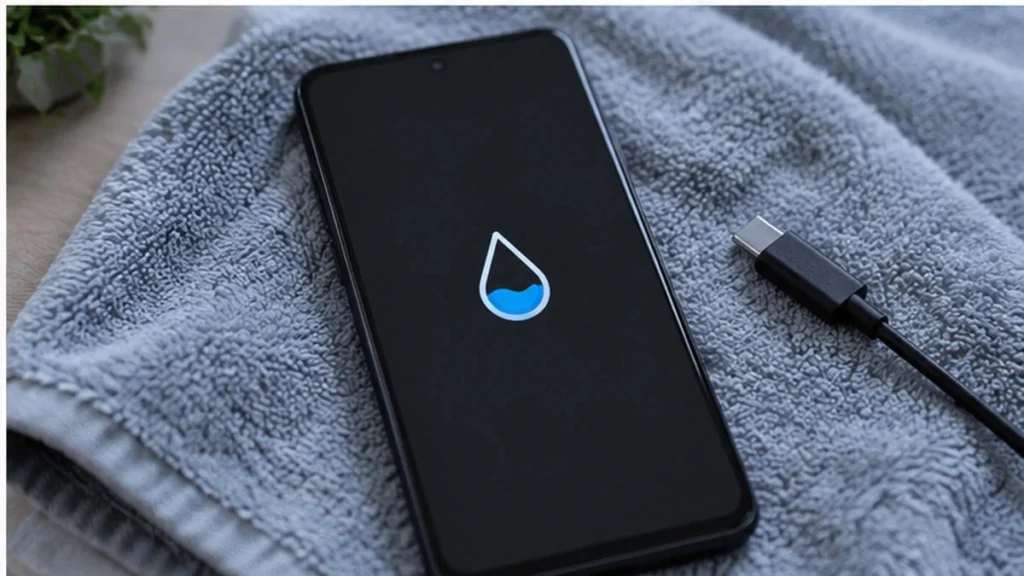
Disconnect the cable if the phone reports moisture in the port. Let it dry at room temperature; do not use a hair dryer or force charging. Samsung moisture warning guidance.
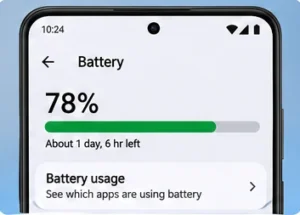
A phone that consistently pauses near 80% may have a battery protection or charging optimization setting. Search Settings for charging protection and review the configured limit. If wireless charging is supported, a compatible wireless charger can help isolate the wired path once the device is dry and safe.
If the phone heats up even when unplugged, investigate Android overheating separately.
When repair is necessary
If two known-working compatible chargers fail, the connector is loose, or the device shuts down unexpectedly, arrange service. Stop charging immediately if the battery is swollen, damaged, leaking or unusually hot. Back up important files if the phone can be operated safely; a reset cannot repair damaged charging hardware.
Compare charging under controlled conditions
With the phone cool and the screen off, connect a known-compatible charger and cable. Note the starting percentage and check again after 15 minutes. Repeat with another known-good cable while keeping the adapter and outlet unchanged. A difference suggests a cable or connector problem; identical results do not prove the battery is defective. Stop immediately if the device becomes unusually hot.
Related guides: Find the Cause of Fast Android Battery Drain · Fix a Stuck Google Photos Backup on Android